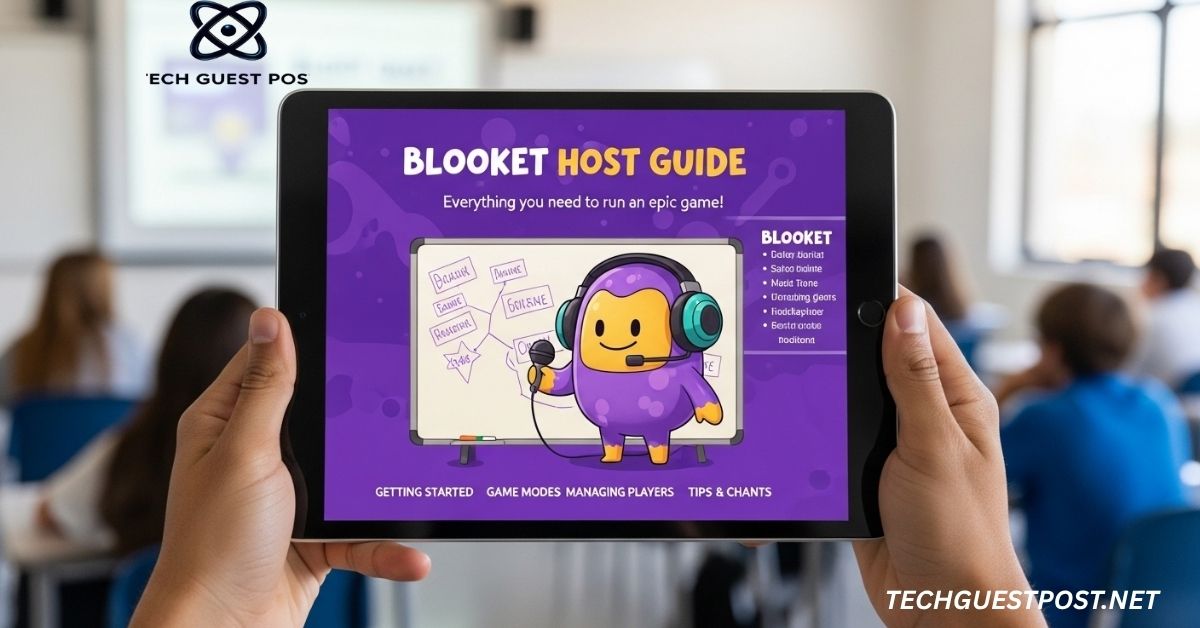
Blooket Host Guide: How to Create Engaging Learning Games
Have you ever watched a classroom go from half-asleep to fully buzzing in under two minutes? That’s what happens when a teacher fires up a well-hosted Blooket session. Students lean in. Phones come out. Suddenly, learning feels like winning.
But here’s the thing. Hosting on Blooket isn’t just clicking a button and watching chaos unfold. It takes a little know-how to make the experience smooth, fair, and genuinely educational. Whether you’re brand new to the platform or looking to sharpen your skills, this guide walks you through everything you need to know.
Understanding Blooket and Its Hosting Features
Blooket is an interactive learning platform built around game-based learning strategies. Teachers create question sets, pick a game mode, and students join using a game ID from any device. Simple on the surface, but surprisingly deep once you start exploring.
What makes Blooket stand out from other digital quiz platforms is its variety. It’s not just flashcards or plain multiple-choice questions. Students can be racing, farming, battling, or even stealing resources, all while answering curriculum-aligned questions. That blend of competition and content is what drives real student participation.
As a Blooket host, you’re essentially the game master. You control the pace, the settings, and the experience. The host dashboard gives you a live view of how students are performing, which questions are tripping people up, and when it’s time to wrap things up. That kind of real-time quiz interaction is something traditional review tools simply can’t match.
The platform also supports both in-person and remote learning engagement. Whether your students are seated in front of you or scattered across different time zones, Blooket works without a hitch. That flexibility has made it a go-to among teachers navigating the increasingly blended world of education.
Read More: Tportstick Gaming Trends from theportablegamer: The Future of Portable Gaming
Setting Up Your Blooket Host Account
Before you can host anything, you need an account. Head over to blooket.com and sign up using your email. It’s free, and the basic plan gives you access to most of what you’ll need as a classroom teacher. If you want more detailed analytics and exclusive content, Blooket Plus unlocks those features, but don’t feel pressured to upgrade right away.
Once you’re in, take a few minutes to explore the dashboard. You’ll see options to discover question sets, create your own, or browse what other educators have shared. The community library is genuinely useful. Thousands of teachers have uploaded sets across every subject and grade level, so you’re never starting from scratch unless you want to.
Creating your own question set is straightforward. Click “Create,” give your set a title, and start adding questions. You can use multiple choice, true or false, or type answers. Add images to questions if you want to make things more visual. Once your set is ready, save it and you’re one step closer to running your first session.
It’s worth spending time on this setup phase. The quality of your question set directly affects the quality of your session. Vague or confusing questions will frustrate students, not engage them. Keep questions clear, appropriately challenging, and tied to what you’ve actually been teaching.
How to Host a Blooket Game
This is where the fun starts. To kick off a session, go to your question set and click “Host.” You’ll immediately be taken to a screen where you choose your game mode and adjust your settings. Take a second here. Don’t just rush into the default mode every time.
Once you’ve made your selections, Blooket generates a unique game ID. Share that with your students and they visit blooket.com/join, type in the code, and enter a nickname. Within seconds, you’ll start seeing names pop up on your host screen. That moment never really gets old.
When everyone is in, you hit “Start” and the game begins. From that point on, your host dashboard becomes your control center. You can watch scores update in real time, see which questions students are struggling with, and monitor overall pacing. If things are moving too fast or too slow, you have the flexibility to intervene.
The steps to create a Blooket session sound simple, and honestly, they are. But knowing what to do before and after the game is what separates a forgettable quiz from a genuinely memorable classroom experience. We’ll get to those details shortly.
Choosing the Right Game Modes
This might be the most important decision you make as a host. Blooket offers a solid range of game modes, and each one creates a completely different classroom atmosphere. Picking the wrong one for your moment can flatten the energy fast.
Gold Quest is a great starting point for most classes. Students answer questions to collect gold, and they can steal from each other. It’s competitive without being overwhelming, and it works well for review sessions. Tower of Doom pits two teams against each other in a fantasy battle, which tends to work brilliantly with younger students who love a bit of drama.
Cafe is one of the more unique options. Students run a virtual coffee shop, earning money by answering questions correctly. It’s slightly slower-paced, which actually makes it ideal for more complex material where you want students to think carefully rather than rush. Factory works similarly, with a resource-building mechanic that rewards accuracy over speed.
For collaborative learning games, try Fishing Frenzy or Crazy Kingdom, where students feel less like they’re competing against each other and more like they’re each on their own adventure. This is a smart move when your class has a wide range of ability levels.
The best Blooket game modes aren’t always the flashiest ones. Think about your learning goal first. Are you doing a fast-paced review before an exam? Go high-energy. Are you introducing new vocabulary? Try something slower and more methodical. Matching the mode to the moment is a skill that comes with experience, but even thinking about it beforehand puts you ahead of most hosts.
Tips for Engaging Blooket Hosting
Running a technically smooth session is one thing. Running one that students actually talk about afterward is another. Here are some approaches that genuinely work.
Start with a question set that’s tightly aligned to recent lessons. Students engage more when the content feels relevant. If you host a game right after a lesson on the American Revolution and the questions match exactly what you just discussed, participation naturally spikes.
Keep sessions to a reasonable length. Twenty to thirty minutes tends to be the sweet spot. Longer than that and even the most engaged students start drifting. Shorter sessions can work too, especially as warm-ups or exit ticket activities at the end of class.
Use the host dashboard actively. Don’t just launch the game and sit back. Watch the data coming in. If you notice a particular question is being answered incorrectly by most students, make a mental note or pause briefly to address it. That’s real-time formative assessment happening right in front of you.
Build anticipation. Tell students what game mode you’re playing before you launch. Let them get excited. A little pre-game hype goes a long way in lifting energy. You can even create traditions around it, like always playing a certain mode on Fridays.
Celebrate performance publicly but thoughtfully. Calling out high scorers is motivating for some students and discouraging for others. Consider praising improvement and effort, not just raw scores. That shift makes Blooket feel welcoming for every student, not just the fastest ones.
Common Challenges in Blooket Hosting
Even experienced teachers run into snags. Knowing what to expect helps you handle problems without losing the room.
Connectivity is the most common culprit. If a student can’t join, it’s almost always a network issue on their end. Have a backup plan ready, like letting them pair up with a classmate. In schools with shaky Wi-Fi, it helps to run a quick tech check before the official start.
Some students type inappropriate nicknames when they join. It happens more than you’d think. Blooket does give hosts the ability to remove players and reset names, so don’t hesitate to use that feature. Setting clear expectations before the game starts dramatically reduces this kind of behavior.
Question set errors can derail a session quickly. A wrong answer marked correct, or a confusingly worded question, will spark protests and slow everything down. Always preview your question set before hosting, especially if you pulled it from the community library without reviewing it carefully.
Students sometimes rush through questions just to stay competitive, without actually reading or thinking. This is a design challenge baked into fast-paced game modes. One fix is to select slower modes when accuracy matters more than speed, or to briefly debrief after the game about which questions were tricky and why.
Occasionally, the Blooket platform itself has minor technical hiccups. If something isn’t loading or a game freezes, a simple page refresh usually solves it. If not, ending the session and restarting with a fresh game ID almost always does the trick.
Ensuring Safety and Fair Play
Classroom gamification is fantastic, but it needs guardrails. As the host, you set the tone for how students behave inside the game.
Start by establishing ground rules before you launch. Students should know that inappropriate nicknames result in removal, that cheating defeats the purpose, and that the point of the game is learning, not just winning. Say this out loud. Don’t assume they already know.
Blooket’s safety features are worth familiarizing yourself with. You can lock your game so no new players can join mid-session. You can remove disruptive participants from the lobby. These controls exist precisely because real classrooms are unpredictable, and having them at your fingertips matters.
For younger students especially, consider using class codes rather than open game IDs to limit who can join. This adds a layer of control that prevents unwanted participants from entering a session.
Fair play also means making sure the game is accessible to everyone. Some students have reading difficulties, processing challenges, or anxiety around timed tasks. Being aware of this as a host allows you to choose game modes that are less punishing, adjust time settings where possible, and create a culture where effort is valued alongside achievement.
Advanced Hosting Techniques
Once you’ve got the basics down, there’s a whole layer of strategy available to experienced hosts that can seriously elevate your sessions.
One underused technique is thematic hosting. Instead of running a generic quiz, build a narrative around it. Tell students they’re defending a kingdom or competing in a science olympiad. This kind of framing turns a standard review game into something students are emotionally invested in. It sounds small, but the effect on engagement is real.
Use Blooket’s reporting features after each session. The platform shows you which questions were answered correctly most often and which ones stumped students. This post-game data is genuinely useful for planning your next lesson. If seventy percent of the class got a particular question wrong, that’s your cue to revisit that concept.
Assign homework sets through Blooket by having students play solo modes at home. This extends the learning beyond the classroom without it feeling like traditional homework. Students often don’t even mind because it still feels like a game. That’s the quiet genius of game-based assessment tools done well.
Combine Blooket with other online teaching tools for a fuller digital learning environment. Use it alongside a class discussion, a short video, or a collaborative writing activity. When Blooket is one part of a richer lesson structure rather than the whole lesson, its impact multiplies.
For teachers managing virtual classroom activities, screen-sharing your host dashboard during remote sessions adds transparency. Students can see the leaderboard live, which maintains the competitive energy even when everyone’s at home on their laptops.
Conclusion
Hosting on Blooket is genuinely one of the more rewarding things you can do with classroom technology. It takes a subject students might be dreading and wraps it in something they actually want to participate in. That’s not a small thing.
The key is intention. Know your question set. Choose your mode thoughtfully. Watch your dashboard. Set fair expectations. And don’t be afraid to tweak your approach from session to session. The best Blooket hosts aren’t the ones who do everything perfectly from day one. They’re the ones who stay curious, keep experimenting, and pay attention to how their students respond.
You’ve got the tools. Now go make learning feel like winning.
FAQ’s
What do I need to start hosting on Blooket?
You need a free Blooket account and a question set. Once those are ready, you can host a game in under two minutes from your dashboard.
Can students join a Blooket game without an account?
Yes, students don’t need an account to join. They simply visit blooket.com/join and enter the game ID you share with them.
How many students can join a single Blooket session?
Blooket supports large groups, making it suitable for full classrooms. Most standard sessions handle thirty or more students without performance issues.
What is Blooket Plus and is it worth it?
Blooket Plus is the paid tier that unlocks advanced analytics, exclusive game modes, and additional customization options. It’s worth considering if you host frequently and want deeper data.
How do I handle students who are being disruptive during a game?
Use the host dashboard to remove disruptive players from the session. Setting clear behavioral expectations before starting the game is the most effective preventive step.

Evan Cole is a tech enthusiast and digital strategist with years of experience in content marketing and SaaS trends. He explores emerging technologies, AI innovations, and SEO-driven growth strategies. Evan’s insights help readers understand complex tech topics through practical examples and real-world applications that inspire smarter digital solutions.